
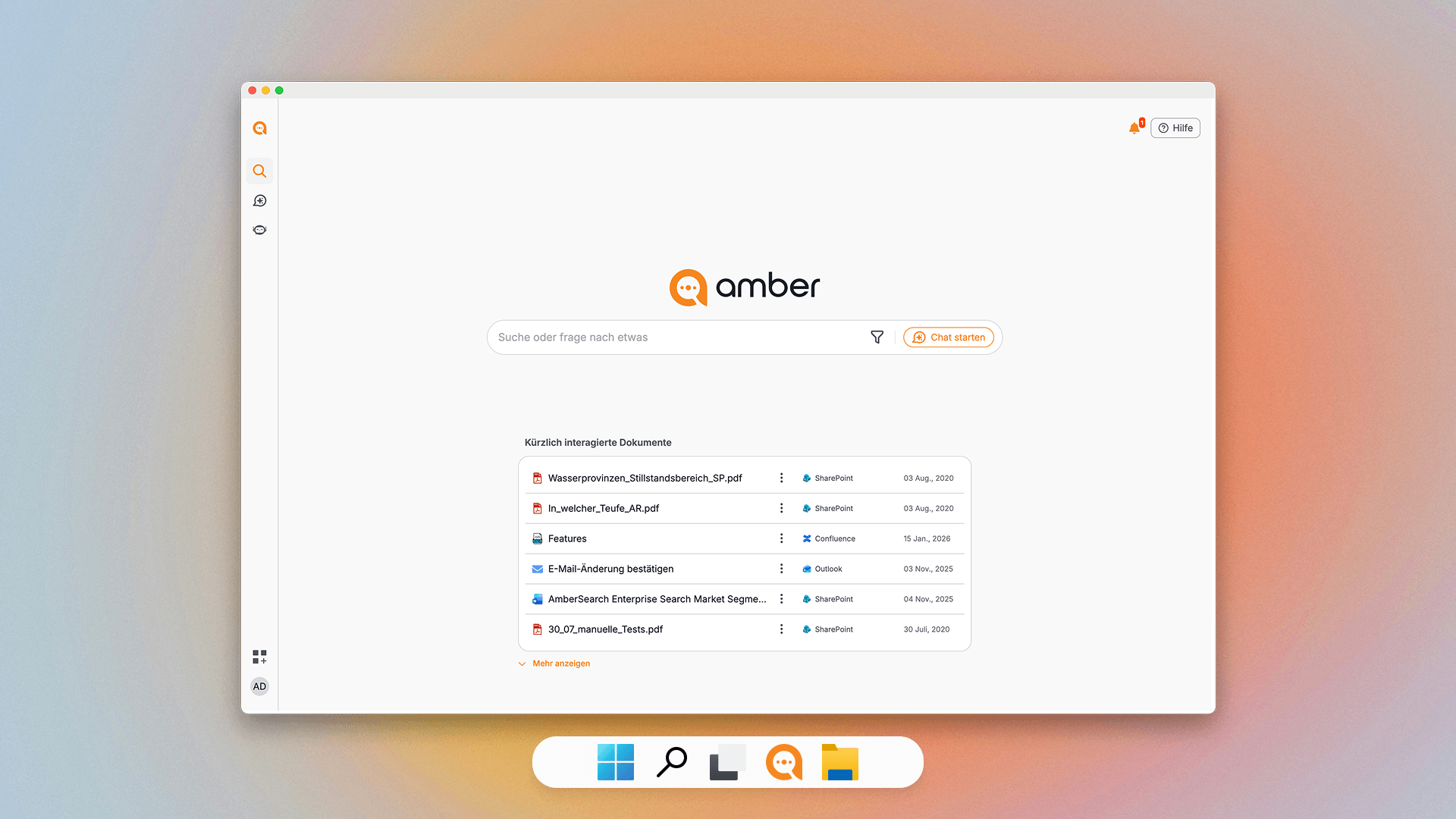
Desktop App
Install the amber Desktop App for quick, always-available access to search and AI — independent of your browser. Ideal for power users who want a dedicated amber window on their desktop.
Download the Desktop AppSeamless integrations into the tools and interfaces you already use.
Install the amber Desktop App for quick, always-available access to search and AI — independent of your browser. Ideal for power users who want a dedicated amber window on their desktop.
Download the Desktop App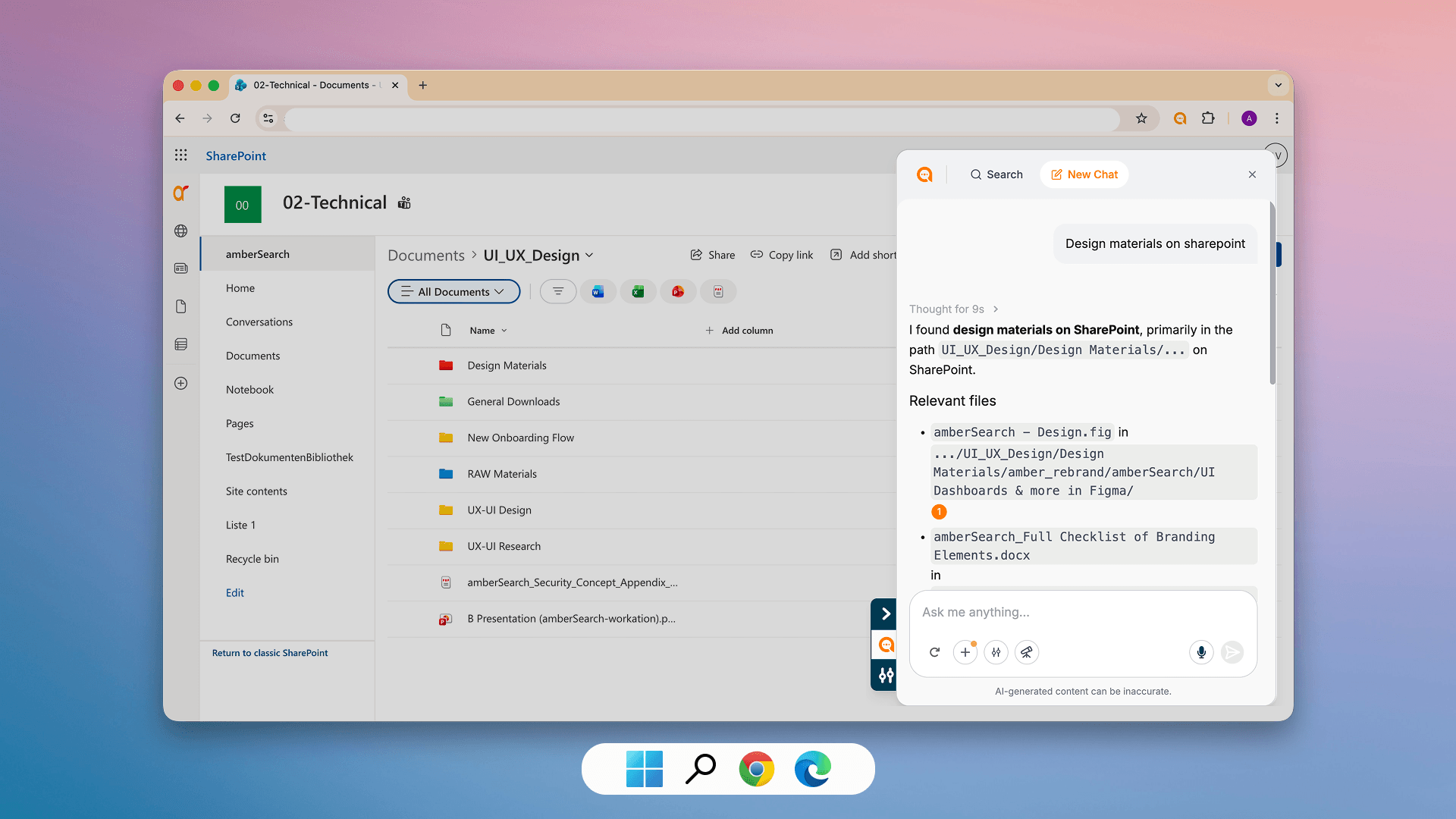
Add amber as a browser extension for Google Chrome or Microsoft Edge. This lets you open amber in parallel with any website — and even search amber directly from your browser's URL bar by typing "as" + spacebar.
Install the Browser Extension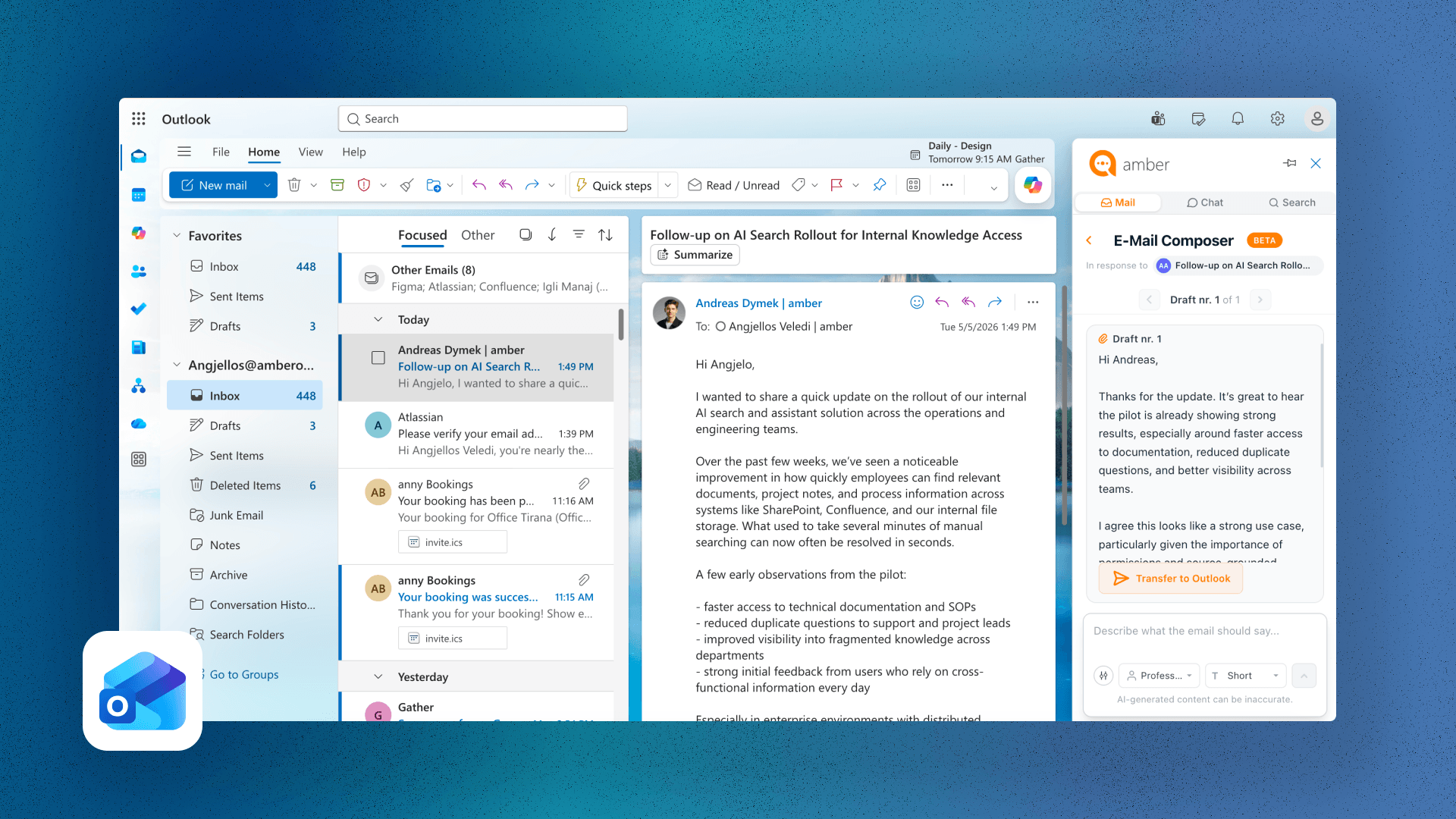
Use amber directly inside Microsoft Outlook. The Outlook Add-In lets you search internal company knowledge and trigger AI actions without leaving your inbox.
Set up the Outlook Add-InAccess amber directly through your browser at your company's dedicated URL (e.g., yourcompany.ambersearch.de). No installation required — just log in and start searching or chatting.
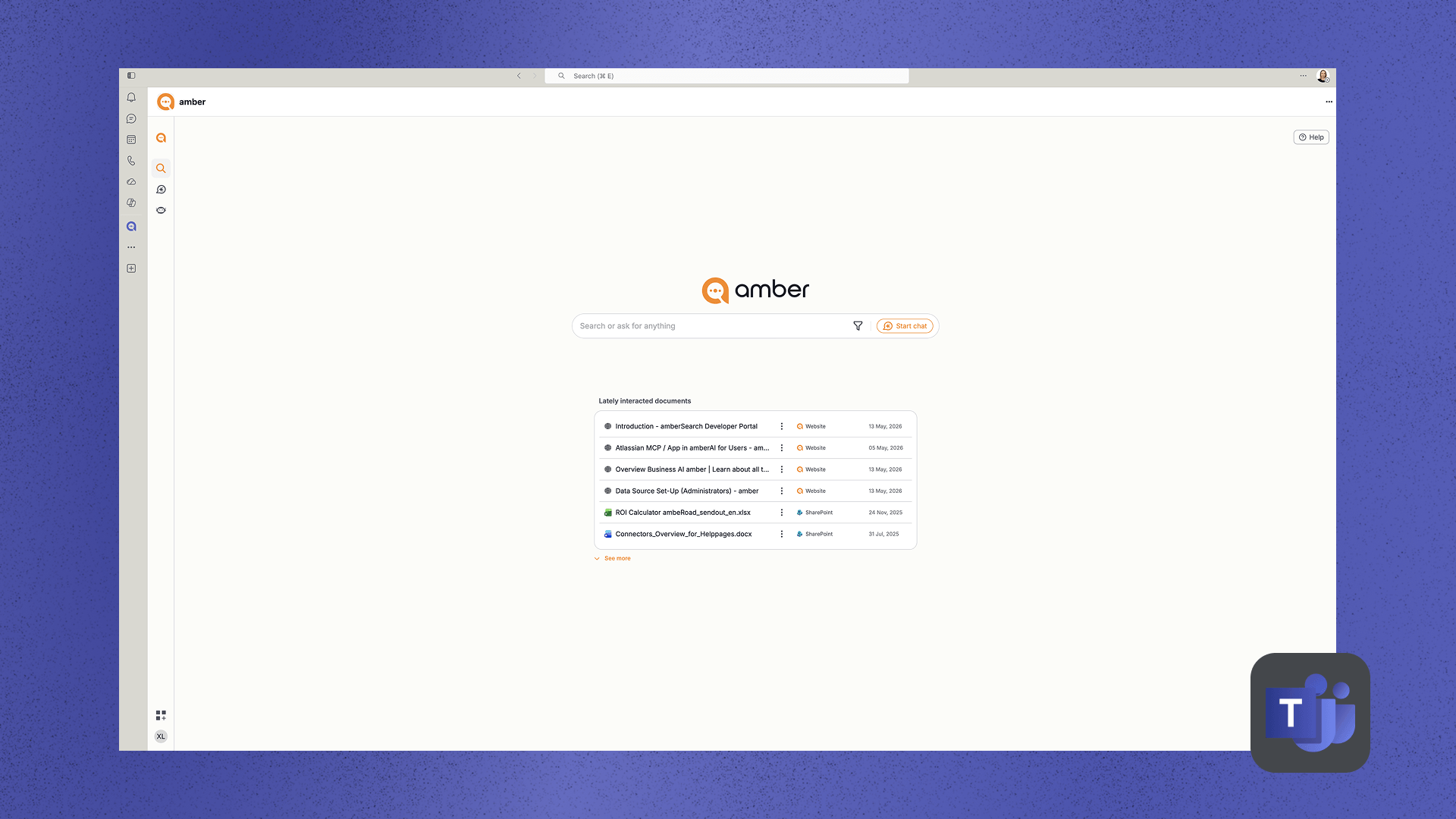
Integrate amber as a Teams app so your team can search and chat with company knowledge directly inside Microsoft Teams — the tool they already use every day.
Add amber to Teams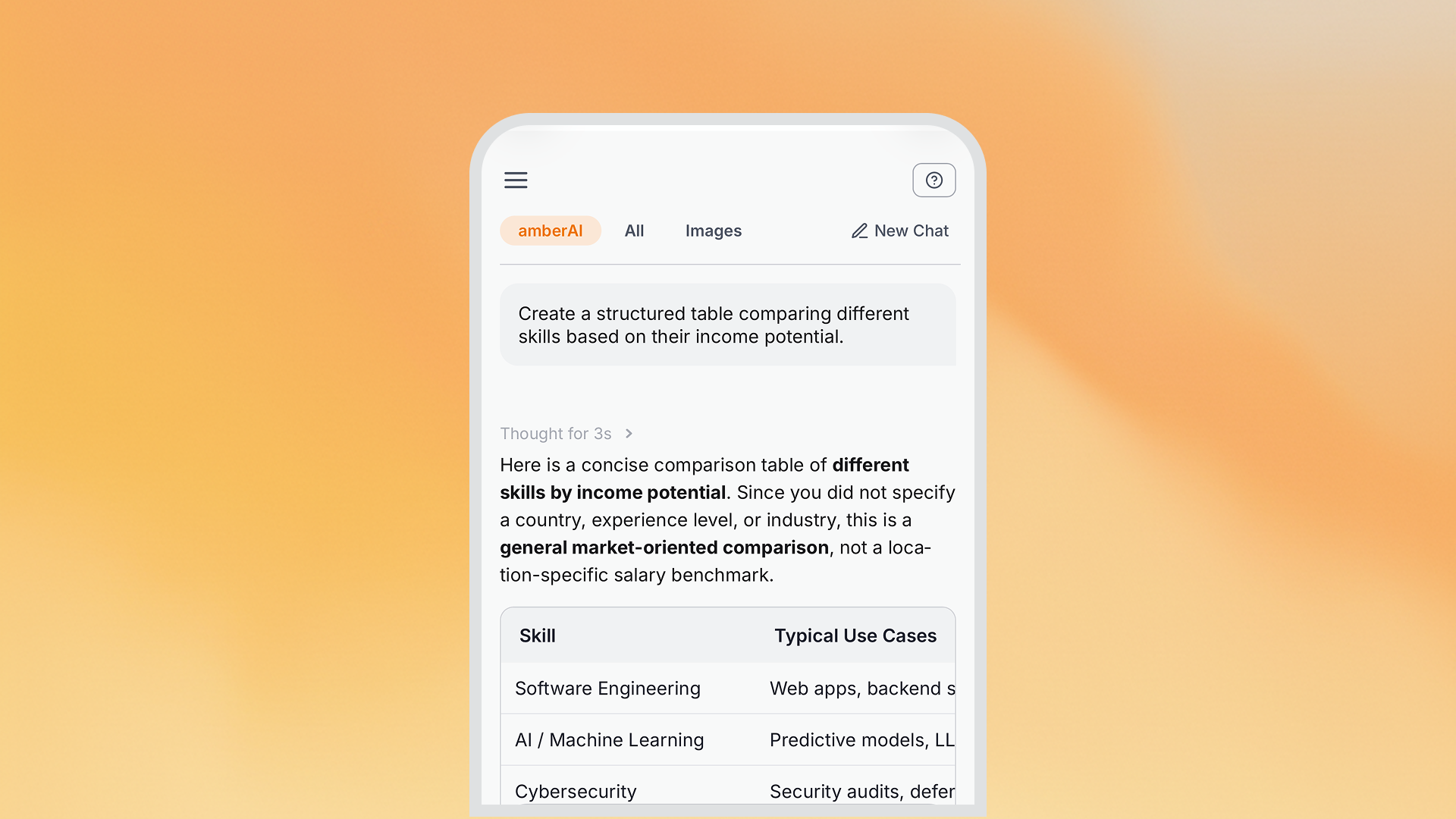
Access amber on the go from your smartphone or tablet. The mobile-optimized interface lets you search and chat with your company's knowledge anywhere.
Embed amber directly into any internal web-based system (intranet, portal, wiki, etc.) using a simple iFrame snippet. This brings amber's search and AI capabilities right into the tools your team already uses.
Learn how to embed via iFrame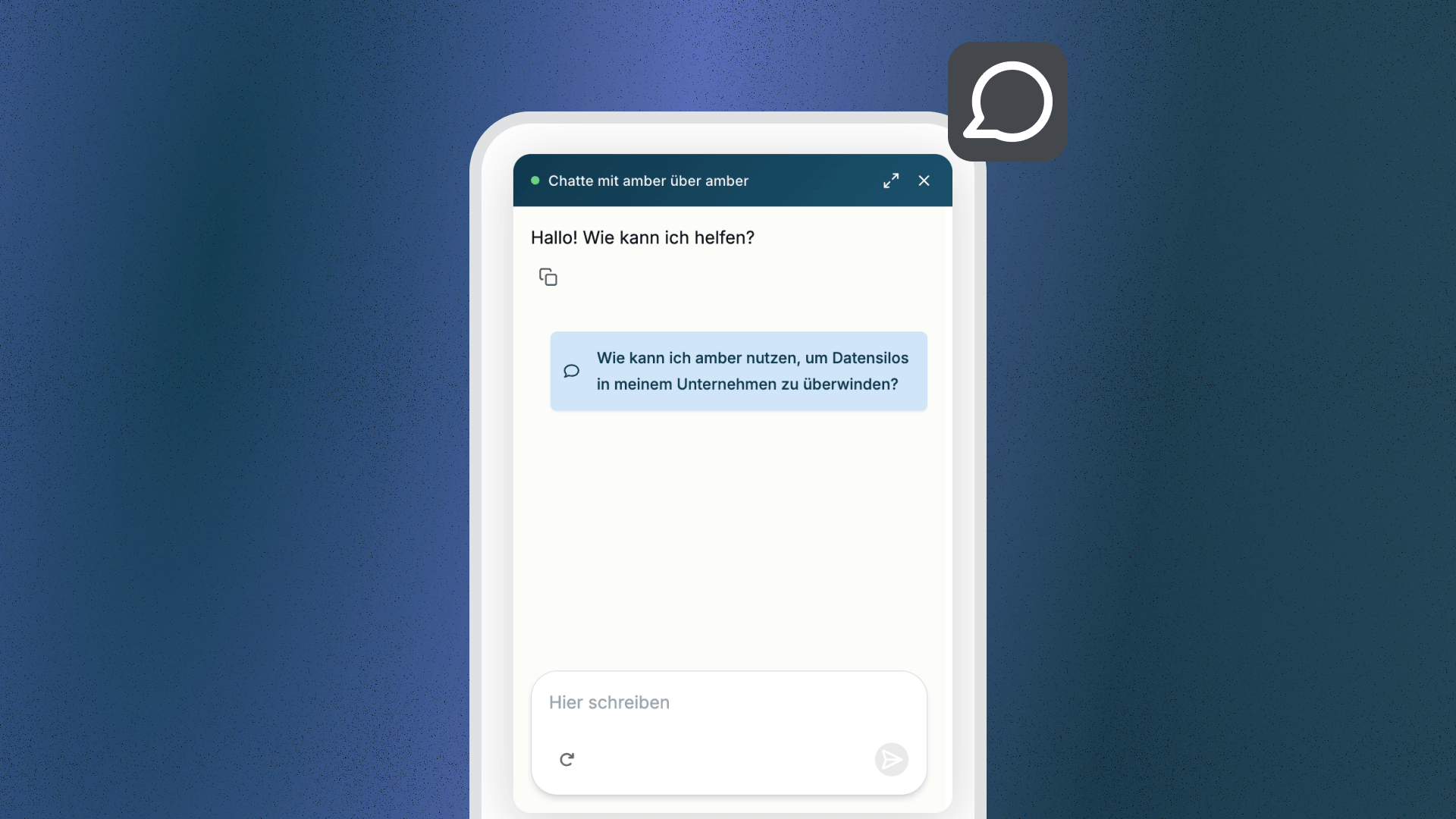
Add an amber AI chat bubble to any website or internal application with a lightweight JavaScript snippet. Users get a floating chat widget in the lower-right corner — no separate tab or login needed.
Integrate the Chat WidgetIntegrate amber's features into your own applications and automated workflows through the REST API. Connect with workflow builders like n8n, Zapier, Make, or d.velop process studio.
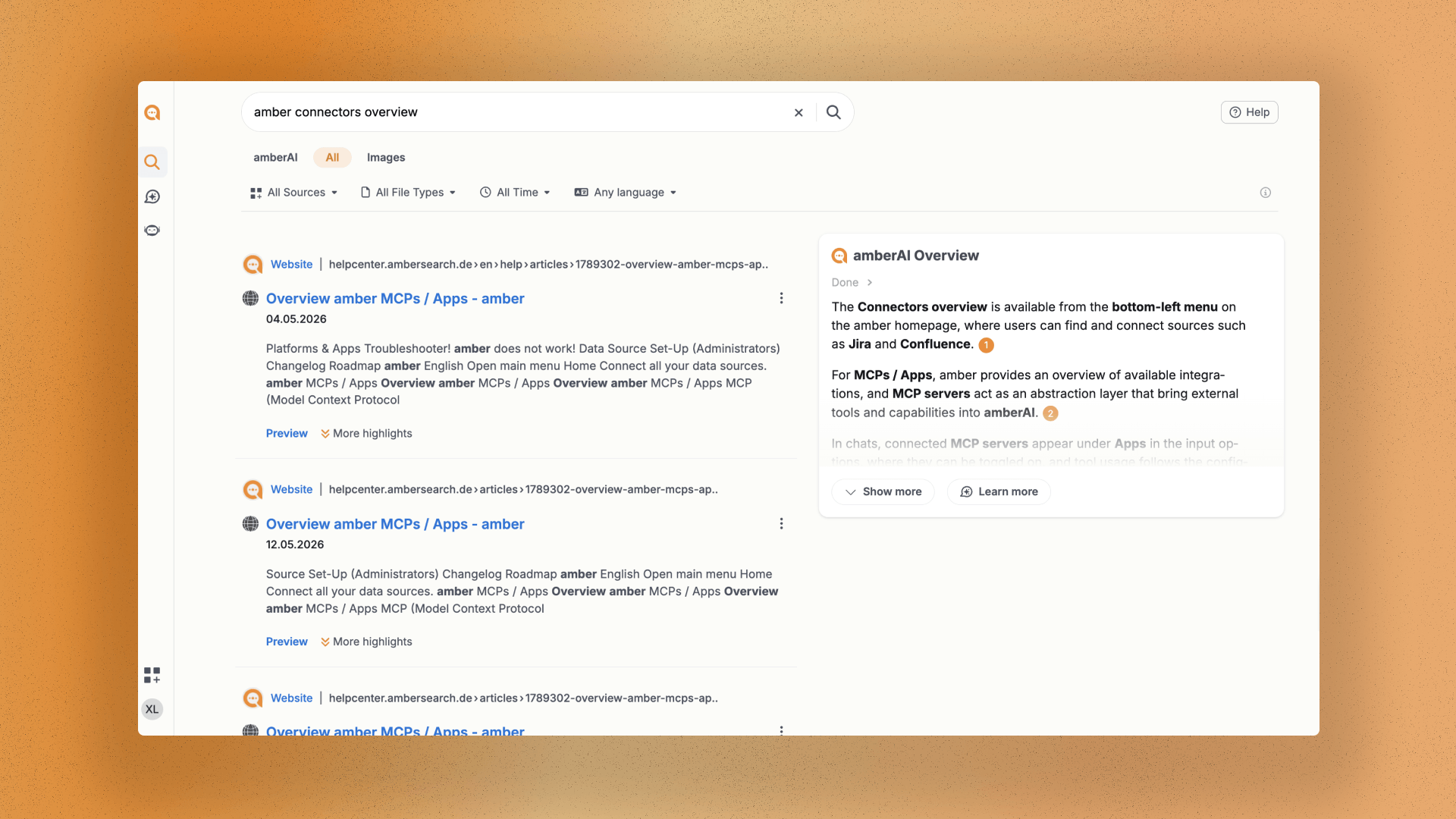
Explore the APICompany knowledge is scattered across dozens of tools — SharePoint, Confluence, Jira, Outlook, Slack, file servers, and more. amber brings it all together in a single, permission-aware AI layer, so every employee finds the right answer instantly, regardless of where it lives.
70+ deep connectors: amber connects natively to your existing IT landscape — including SharePoint, Confluence, Jira, Outlook, Slack, and many more. All data is synchronized in real-time while fully respecting your existing access permissions.
Open interfaces, no lock-in: Need to connect a custom or non-standard system? amber provides REST API, SQL, WebDAV, IMAP, and MCP so you can integrate your own data sources independently — no dependency on amber's connector portfolio.
Not just find, but act on it: With the MCP, amber seamlessly connects your AI to CRM, helpdesk, calendar, and DMS — enabling automated actions in third-party systems, standardized tool integration, and measurable efficiency gains. Permission-aware, multilingual, and with an average time savings of 2 hours per week per employee.
Claude, Cursor, or your own agent gets direct access to everything amber knows — with semantic search and inherited permissions, in real time.
Connect amber to your internal MCP servers and trigger tasks in Jira, Salesforce, GitHub and anywhere else — straight from the chat.
HOW IT WORKS FOR YOUR TEAM
Add the MCP server once under Admin Settings → Connectors → Apps
The server is immediately available to all users in the organization
Each user links their account with one click — no technical setup required
Activate the app in the conversation and use tools directly from within the chat
70+ deep connectors, cloud & on-prem. Access rights are assumed.